The API and MCP Server
Work with your MetaMonster data programmatically. Create an API key, call the REST API, connect the MCP server to Claude, Cursor, or Windsurf, and hand your coding agent the drop-in skill.
Everything you see in the MetaMonster dashboard is available over HTTP: sites, pages, content, analyses, recommendations, drafts, and keyword metrics. That means you can script bulk work, wire MetaMonster into your own tooling, or let an AI agent drive it for you.
This guide is the orientation. The full reference lives at docs.metamonster.ai, with a guide for every concept and documentation for every endpoint.
Create an API key
Both the REST API and the MCP server authenticate with an API key. Go to Settings → API Keys and click Create key.
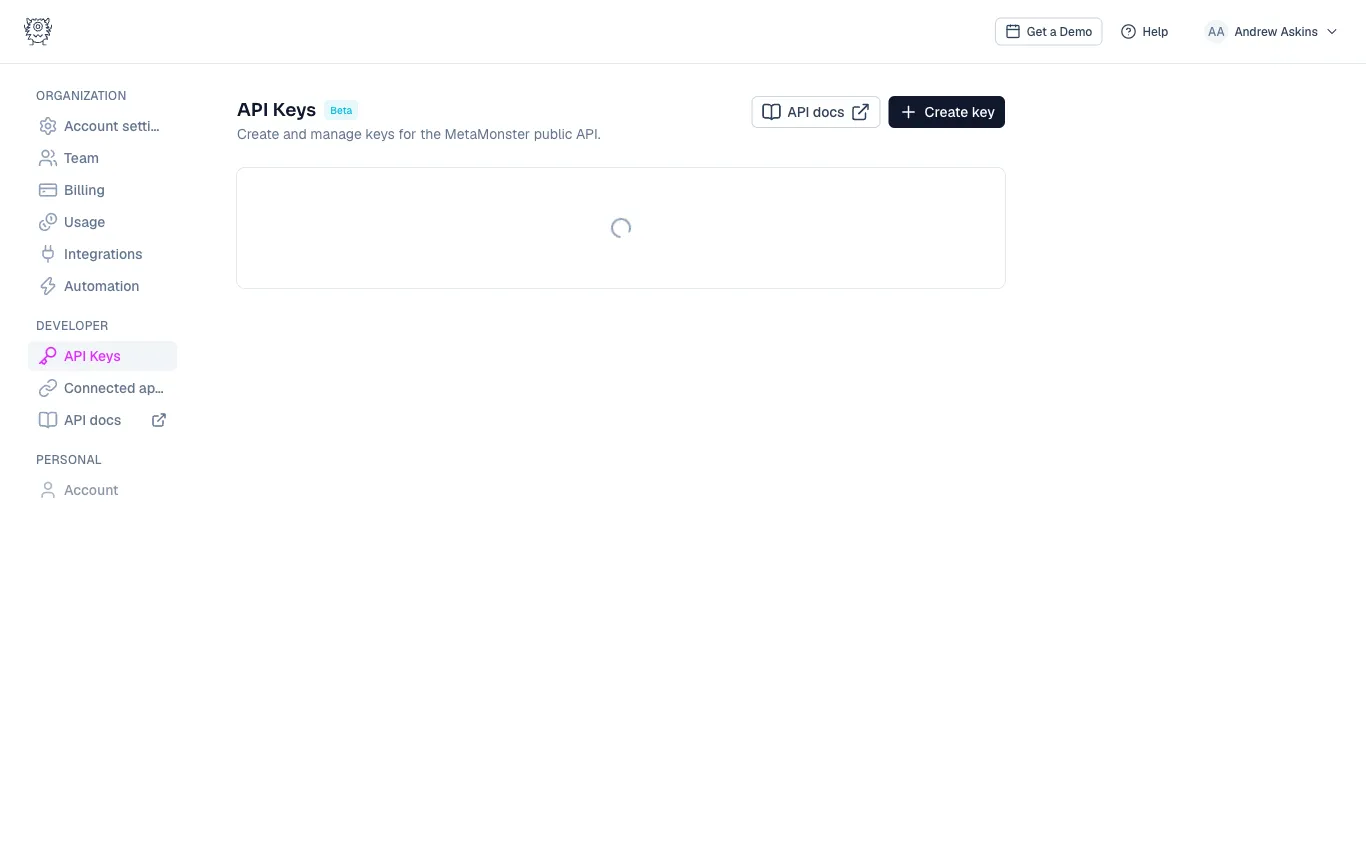
Keys start with mm_ and are shown once, at creation. Store the key somewhere safe and treat it like a password: it can read and modify your organization’s SEO data. If a key leaks, revoke it on the same page and create a new one.
The REST API
The base URL is:
https://new.metamonster.ai/api/v1
Send your key as a bearer token. The quickest way to confirm everything works:
curl https://new.metamonster.ai/api/v1/me \
  -H "Authorization: Bearer mm_YOUR_API_KEY"
A valid key returns its name and scopes. From there you can list sites, pull page reports, stage content edits, trigger analyses, and export keyword data. Start with the getting started guide, then work from the endpoint reference. There’s also an OpenAPI spec if you’d rather generate a client.
The MCP server
If you’re connecting an AI assistant, use the MCP server instead of calling the REST API directly:
https://new.metamonster.ai/mcp
It wraps the API in 15 curated tools built for agents: find pages, get a report, stage an edit, resolve a recommendation, run an analysis. Your agent gets small workflow steps with verification built in, rather than raw endpoints it has to reason about.
Claude Code connects with one command:
claude mcp add --transport http metamonster https://new.metamonster.ai/mcp --header "Authorization: Bearer mm_YOUR_KEY"
Cursor and Windsurf take the same server URL and header in mcp.json.
claude.ai and Claude Desktop connect through OAuth instead of an API key: go to Settings → Connectors → Add custom connector, enter the server URL, sign in with your MetaMonster account, pick the organization to authorize, and approve. You can revoke the connection anytime from Settings → Connected apps in MetaMonster.
The MCP server doc covers every tool, the exact setup for each client, and the error shapes.
Give your coding agent the skill
For agents that work from instructions files (Claude Code, Cursor, and similar), we maintain a drop-in skill: one self-contained file covering authentication, conventions, common workflows, and the complete endpoint reference.
Grab it from the agent skill guide. For Claude Code, save it at .claude/skills/metamonster-api/SKILL.md in your project; for other agents, paste it into their context or rules. Then hand your agent an API key as an environment variable and it can use the API on its own.
Costs and limits
API and MCP calls draw from the same plan allowances as the dashboard: generation spends credits, and triggering an analysis counts against your pages-analyzed allowance, exactly as if you’d clicked the button yourself. Rate limits and request conventions are covered in the conventions doc.
Need more help?
Can't find what you're looking for? Email us at support@metamonster.ai or chat with our team.